
Early E-Ink laptop idea
Explored whether a general writing computer could be slower and less distracting.
Changed: Scope was too broad — cut toward single-purpose writing.
Centerpiece Case Study
A distraction-free E-Ink writing device for focused note-taking, file navigation, and quiet AI assistance.
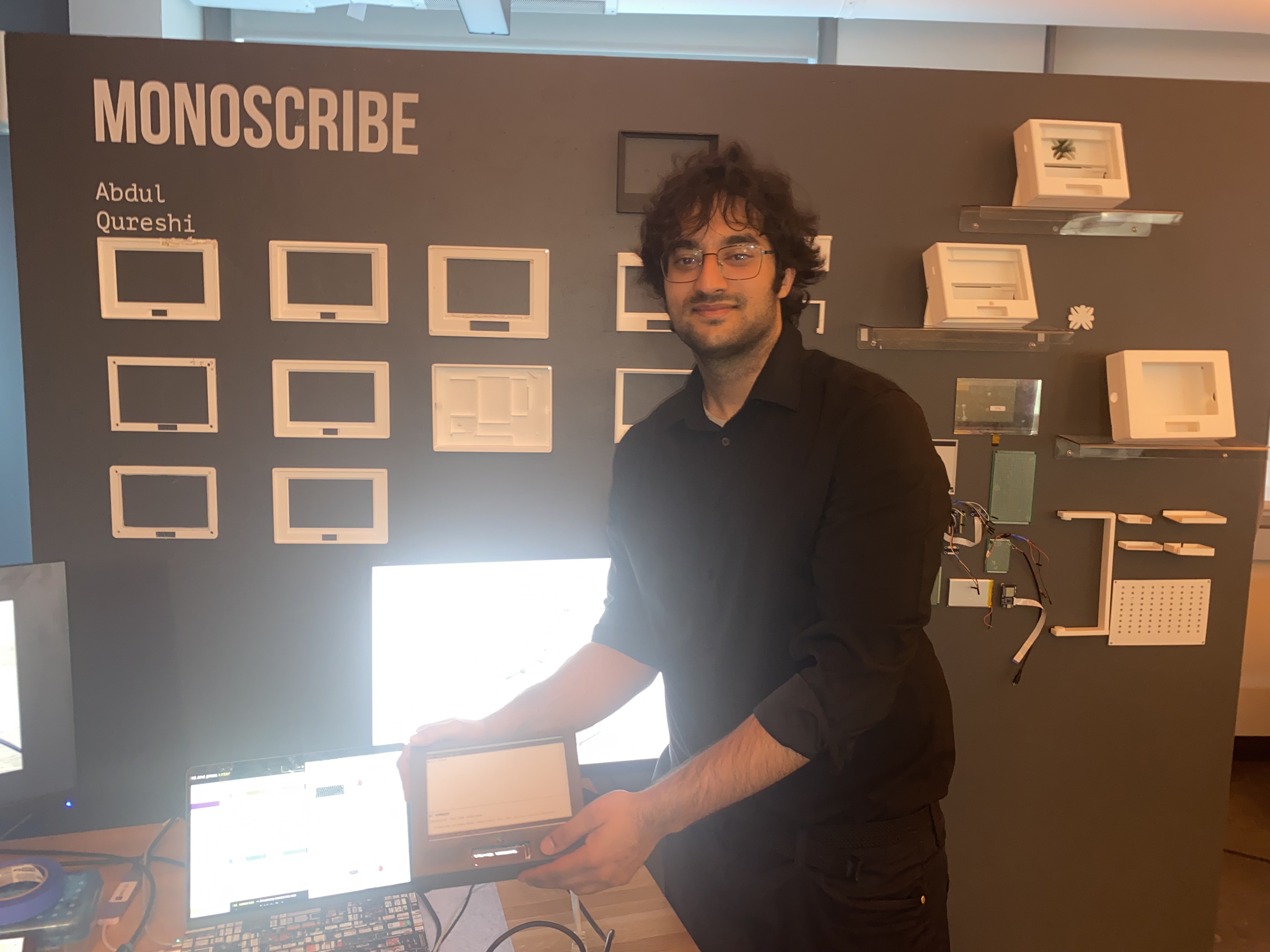
Physical-digital product · concept to working prototypeMonoscribe is a physical writing device I designed and prototyped after exploring how digital writing tools often create distraction instead of focus. The project combines E-Ink display technology, keyboard input, embedded electronics, file management, 3D-printed enclosure design, and lightweight AI features — sketches, soldering, coding, and a functional demo, not just a mockup.
I took this from early E-Ink laptop experiments to a focused note-taking device — designing the interaction, building the hardware, coding the system, and documenting every iteration along the way.
Problem
Laptops, tablets, and phones make it easy to switch tabs, check notifications, over-edit too early, or lose focus. I wanted to explore whether a digital writing tool could feel calmer and more intentional while still keeping the benefits of digital storage, editing, and organization.
The design challenge was to create a device that supports writing without becoming another general-purpose screen.
General devices pull focus away from the writing surface itself.
Backlit displays fatigue the eyes during long sessions.
Note-taking tools bury writing under accounts, sync, and chrome.
Product Goal
The device should disappear. Every decision — display technology, enclosure ergonomics, navigation model, and the role of AI — serves one outcome: getting words down and finding them again without friction.
Who It Is For
Monoscribe is designed for students, writers, researchers, designers, and builders who want the benefits of digital writing without the distractions of a laptop.
Design Principles
The device should not feel like another attention-hungry screen.
Typing and navigation work without touch or complex menus.
Keep saving, editing, and organizing — drop everything else.
AI supports the user only when asked, not constantly interrupting.
Explainable through visible layers: display, input, board, power, enclosure.
Process
Studied E-Ink behavior, refresh trade-offs, and how writers actually use minimal devices to define what to keep and what to cut.
Modeled the enclosure in Fusion 360, iterating on keyboard mounting, display housing, ergonomics, and internal component fit.
Built a Python interface tuned for E-Ink: keyboard shortcuts, multi-file navigation, and refresh strategies that keep the display legible.
Printed and assembled successive versions, testing tolerances and durability, then folded learnings back into the CAD.
Research
Discovery combined personal workflow analysis with hardware testing. I studied E-Ink refresh behavior, keyboard-first writing tools, and how enclosure materials affected heat, weight, and print tolerances before committing to a form factor.
E-Ink refresh speed shapes interaction patterns — partial updates vs. full refresh trade-offs.
Keyboard-first navigation beats touch for long-form capture on a distraction-free device.
Component stacking order determined keyboard angle, port access, and battery placement.
Design Decisions
Decision
Use E-Ink as the main display.
Reason
Supports a calmer, lower-distraction writing experience with better eye comfort over long sessions.
Tradeoff
Refresh speed is slower than LCD/OLED, requiring different interaction and rendering patterns.
Decision
Keyboard-first interaction over touch.
Reason
Matches how writers actually capture text and enables fast file navigation without UI chrome.
Tradeoff
Limits casual browsing use cases the device was never intended to serve.
Decision
3D-printed enclosure with iterative CAD.
Reason
Let me test fit, ergonomics, and port placement across four hardware generations quickly.
Tradeoff
Print tolerances and material strength required multiple refinement passes.
Decision
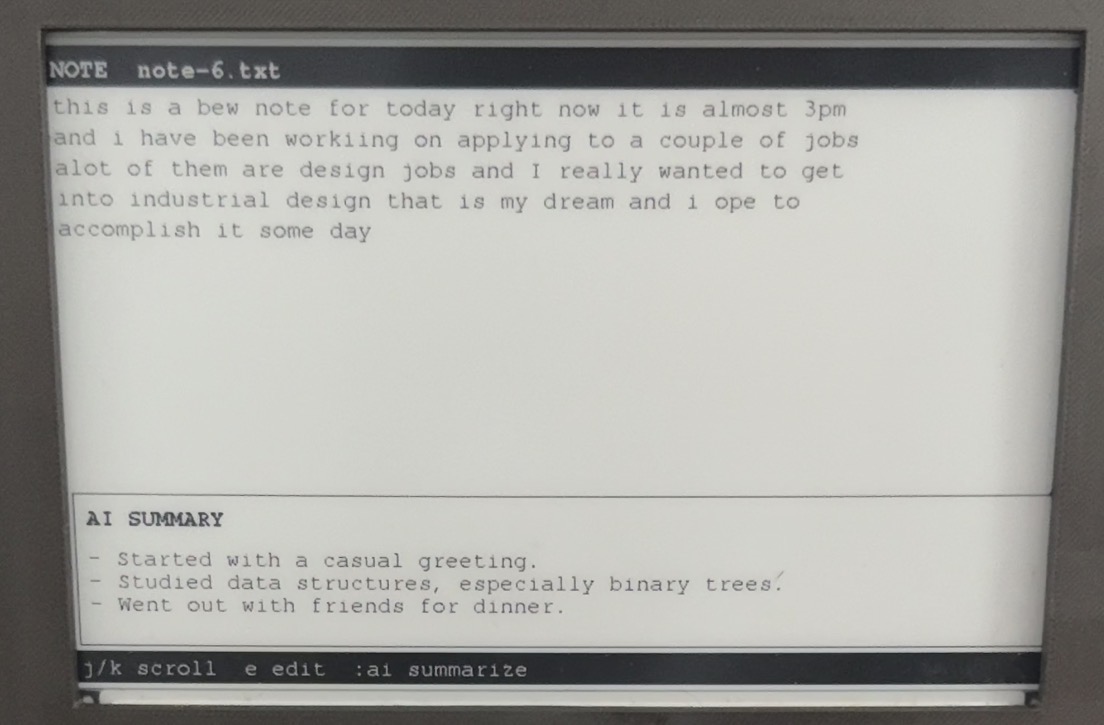
Quiet, on-demand AI assistance.
Reason
AI should support writing without becoming another attention-pulling surface.
Tradeoff
Requires careful UX so assistance never interrupts the write loop.
System Architecture
Monoscribe combines a compact compute core, an E-Ink display tuned for text, a physical keyboard, and a software layer designed around the constraints of electronic paper.
Main writing loop
Quiet AI flow
Hardware layout
Hardware System
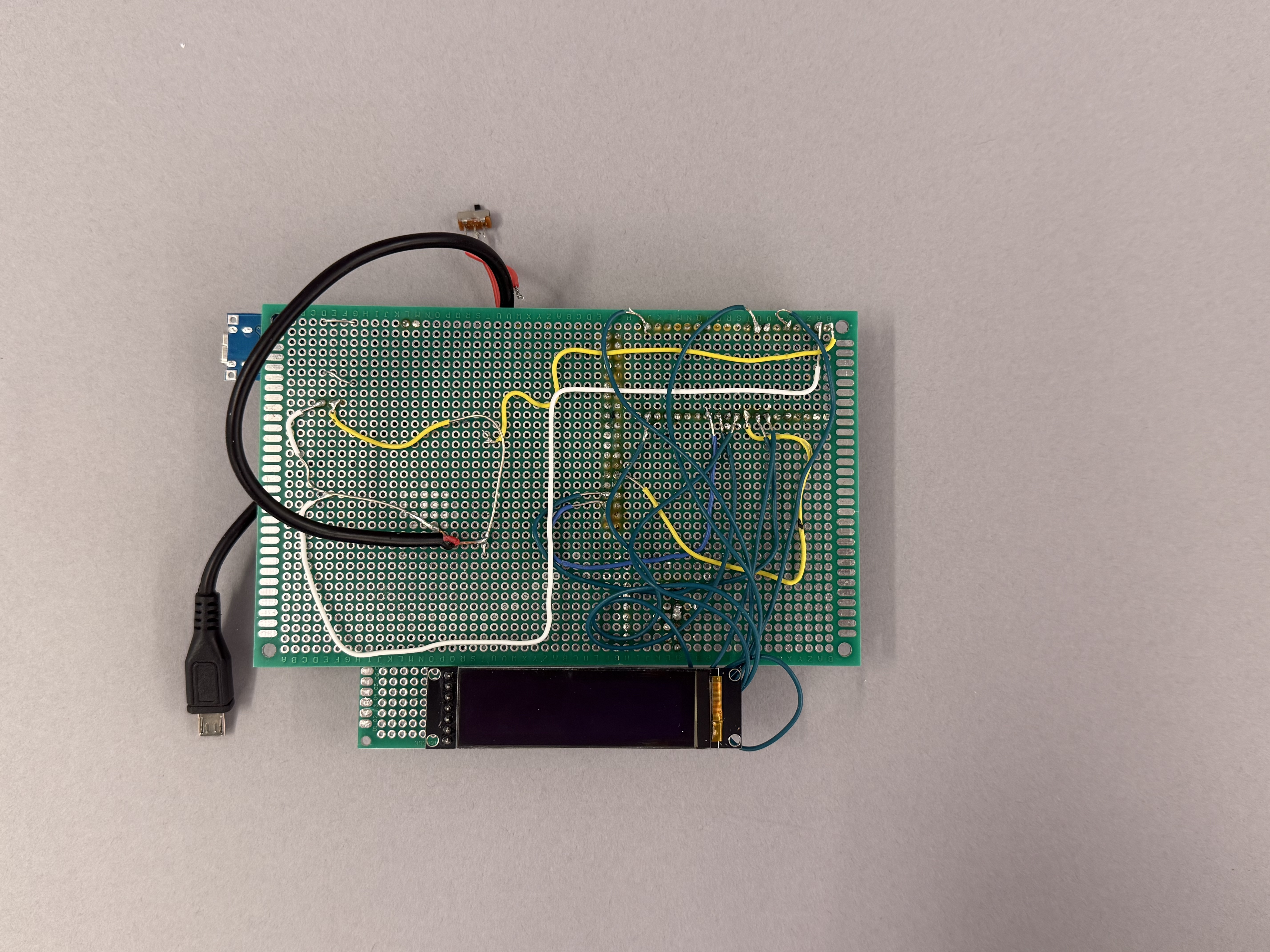
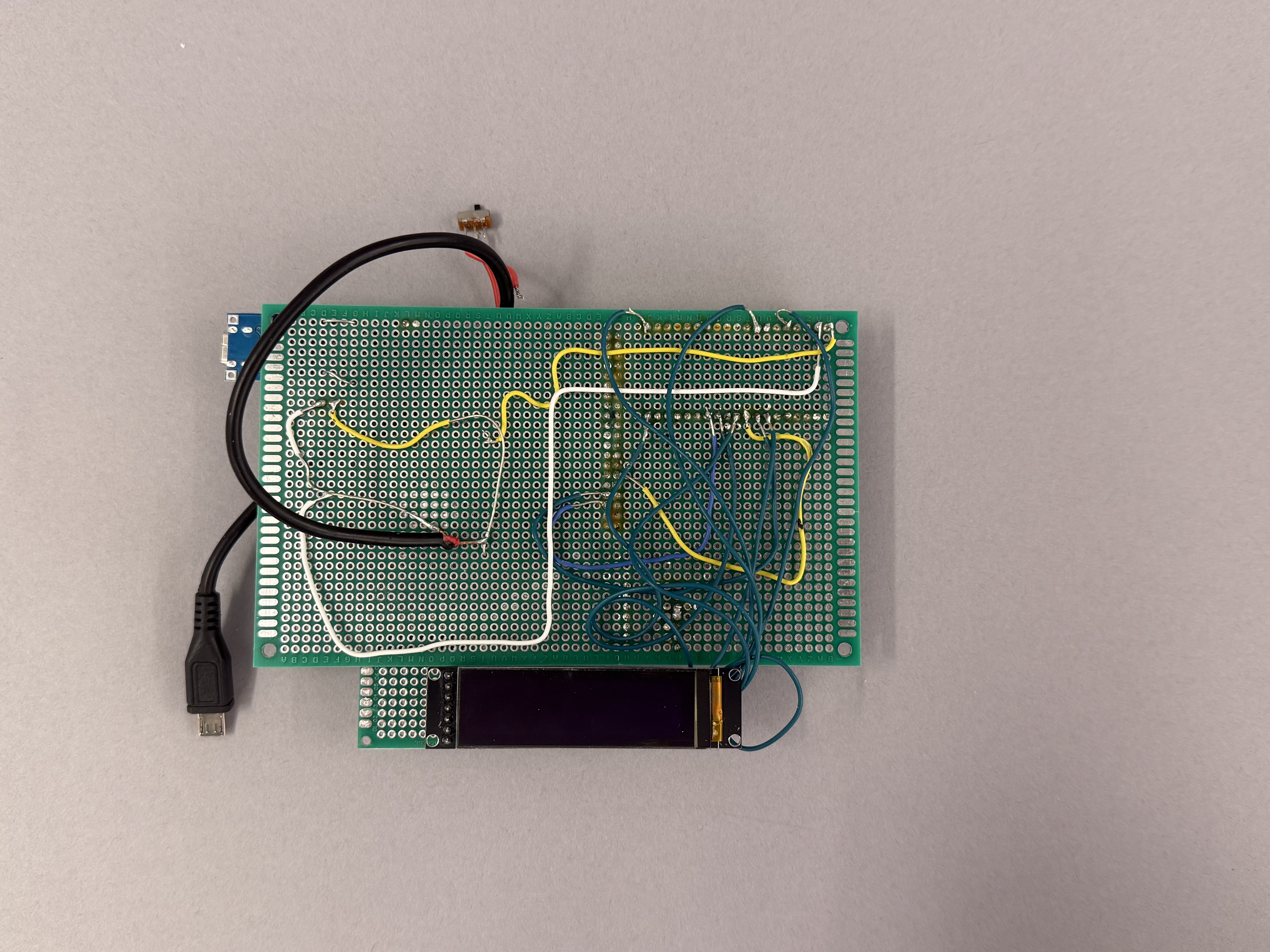
The hardware design balanced screen refresh, input responsiveness, power use, and internal layout. Every hardware decision affected the interface.
Main low-distraction screen for reading and reviewing notes.
Optional fast-refresh preview for live typing experiments.
Controls input, display updates, and file logic per prototype version.
Physical input for writing and file navigation.
Portable use — directly influences enclosure volume.
Saves notes and writing sessions locally.
Holds display, keyboard, board, wiring, and power.
Hand-soldered connections between display, power, and control boards.
Interface Design
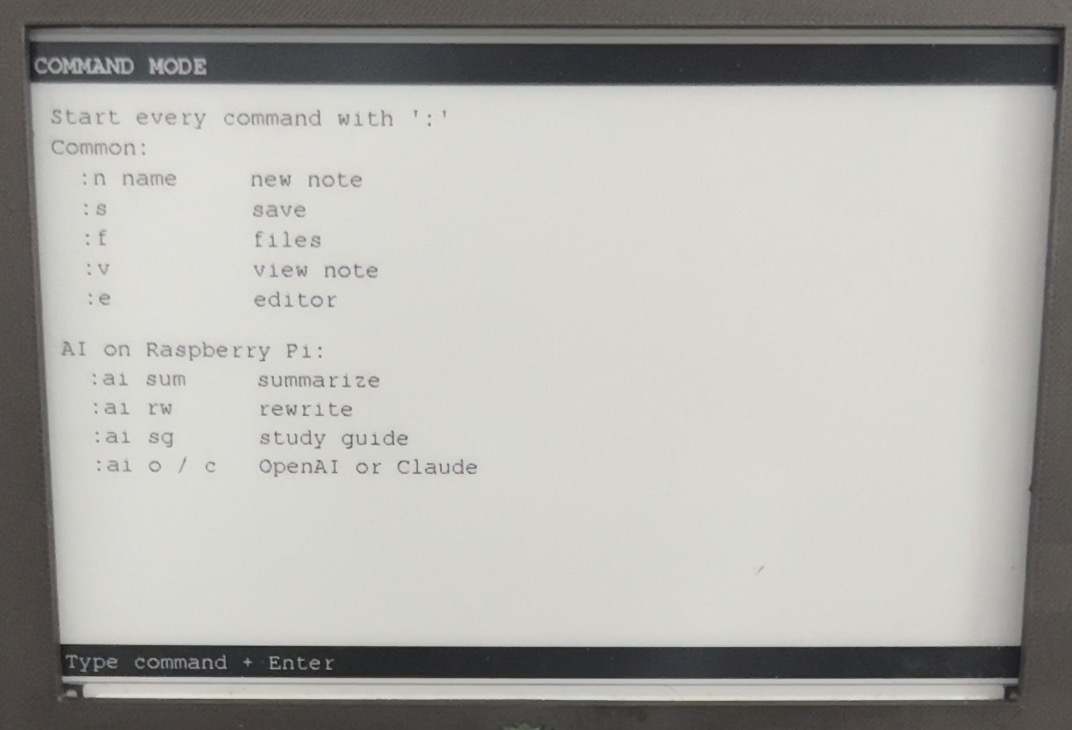
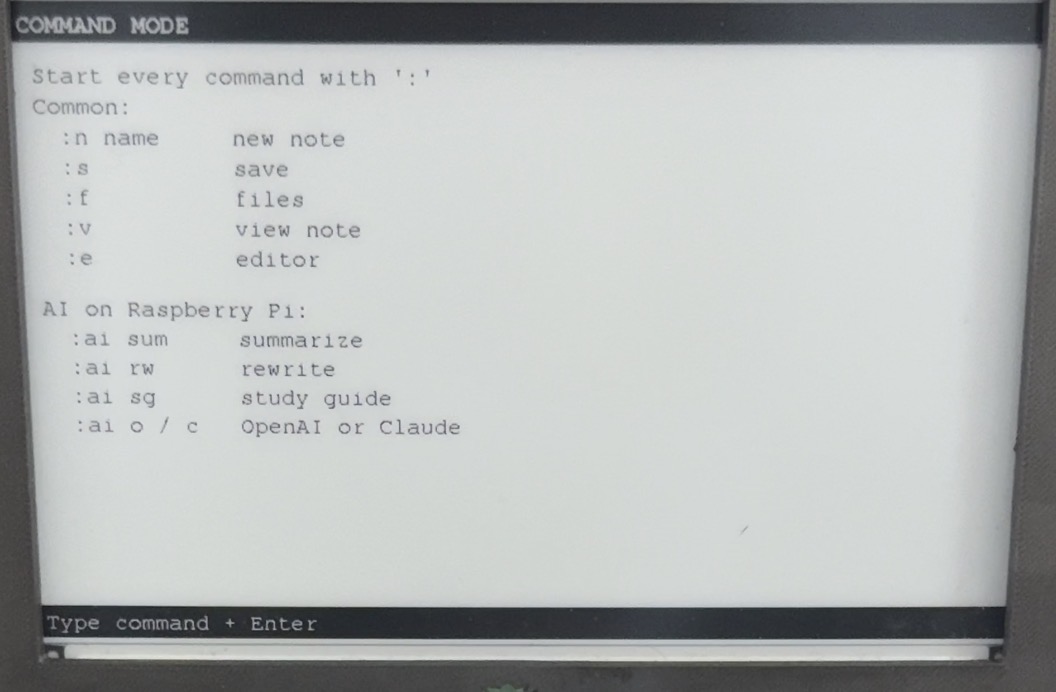
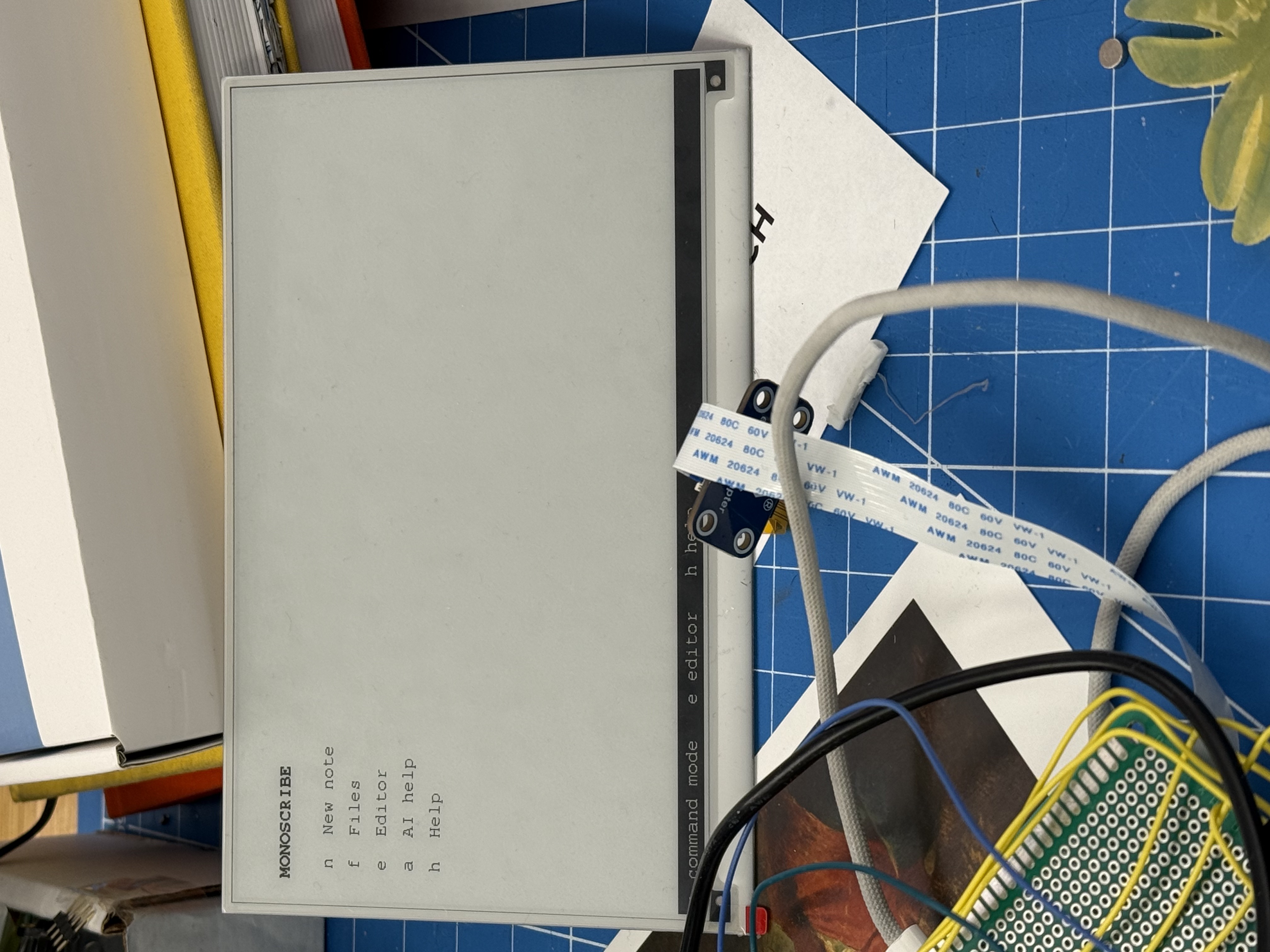
The interface is intentionally minimal: create a note, type, save, return to the file list, optionally call AI. Few screens, keyboard-first navigation, AI only on request.
Enclosure Design
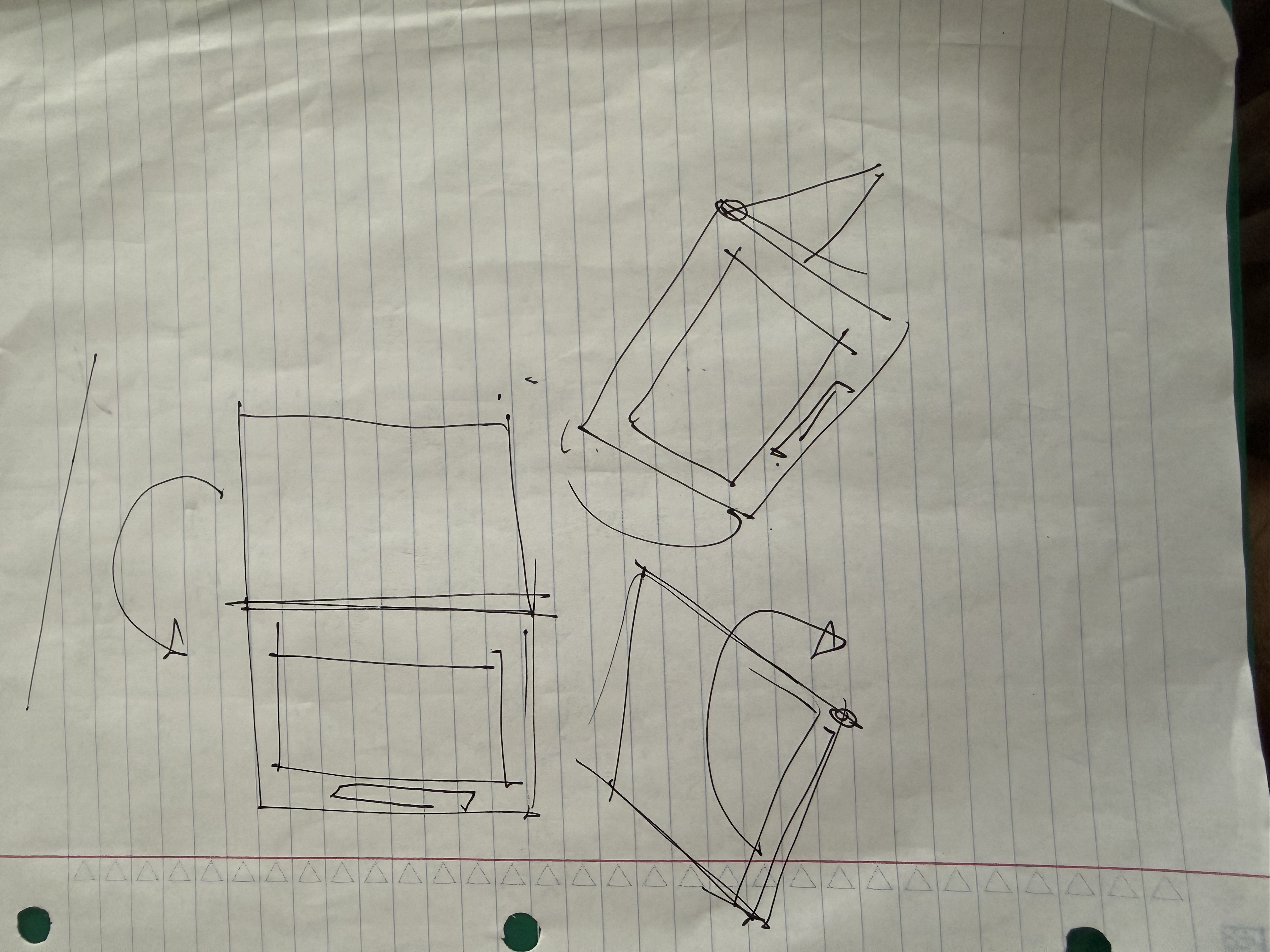
The enclosure fits display, keyboard, board, wiring, and battery while feeling like a usable writing object. Physical design became interaction design.
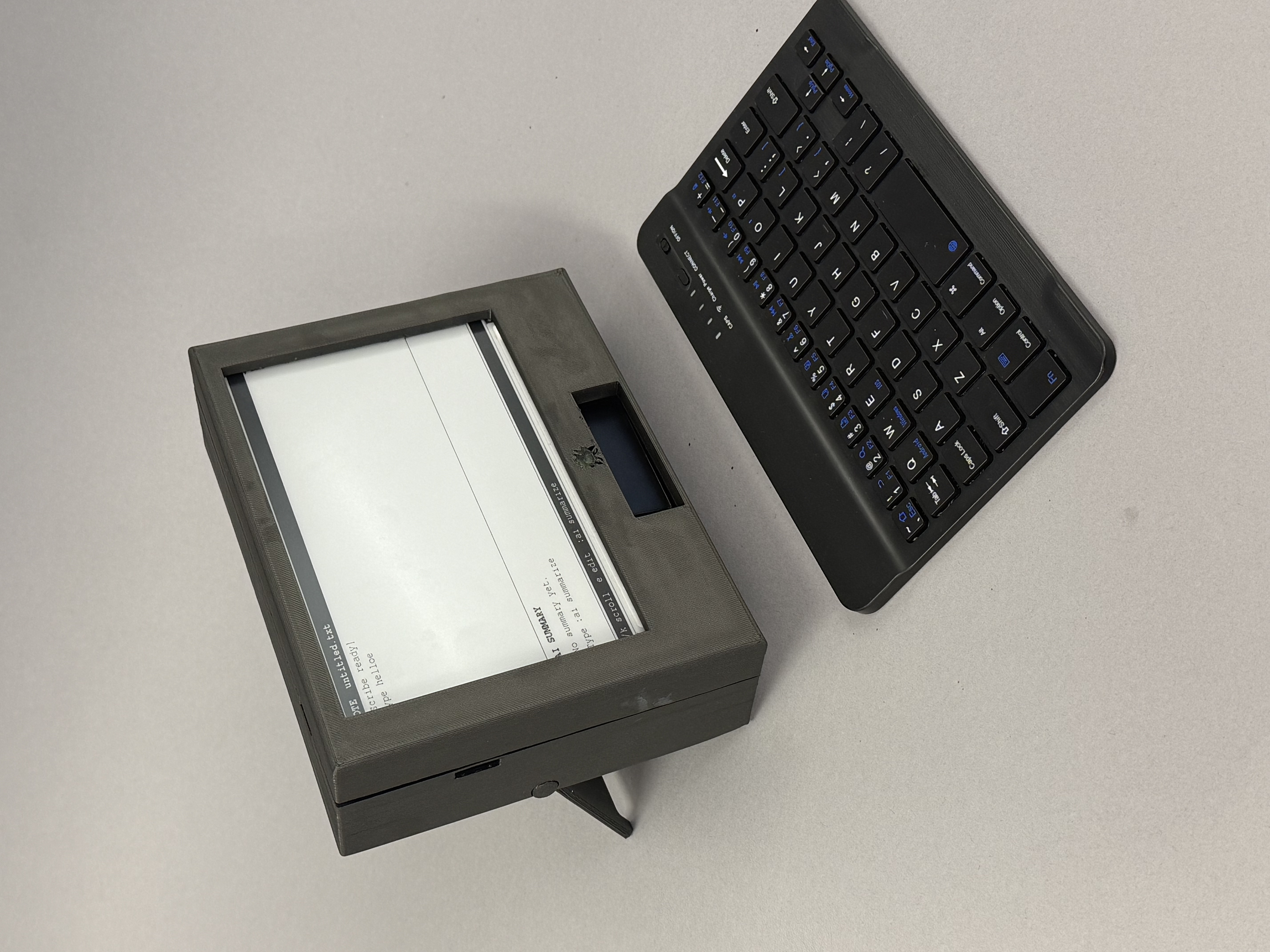
Interactive Model
Switch between the assembled device and an exploded view, then rotate and zoom each model to inspect the enclosure and internal layout.
Showing the assembled MonoScribe. Drag to rotate and scroll or pinch to zoom.
Concept Evolution
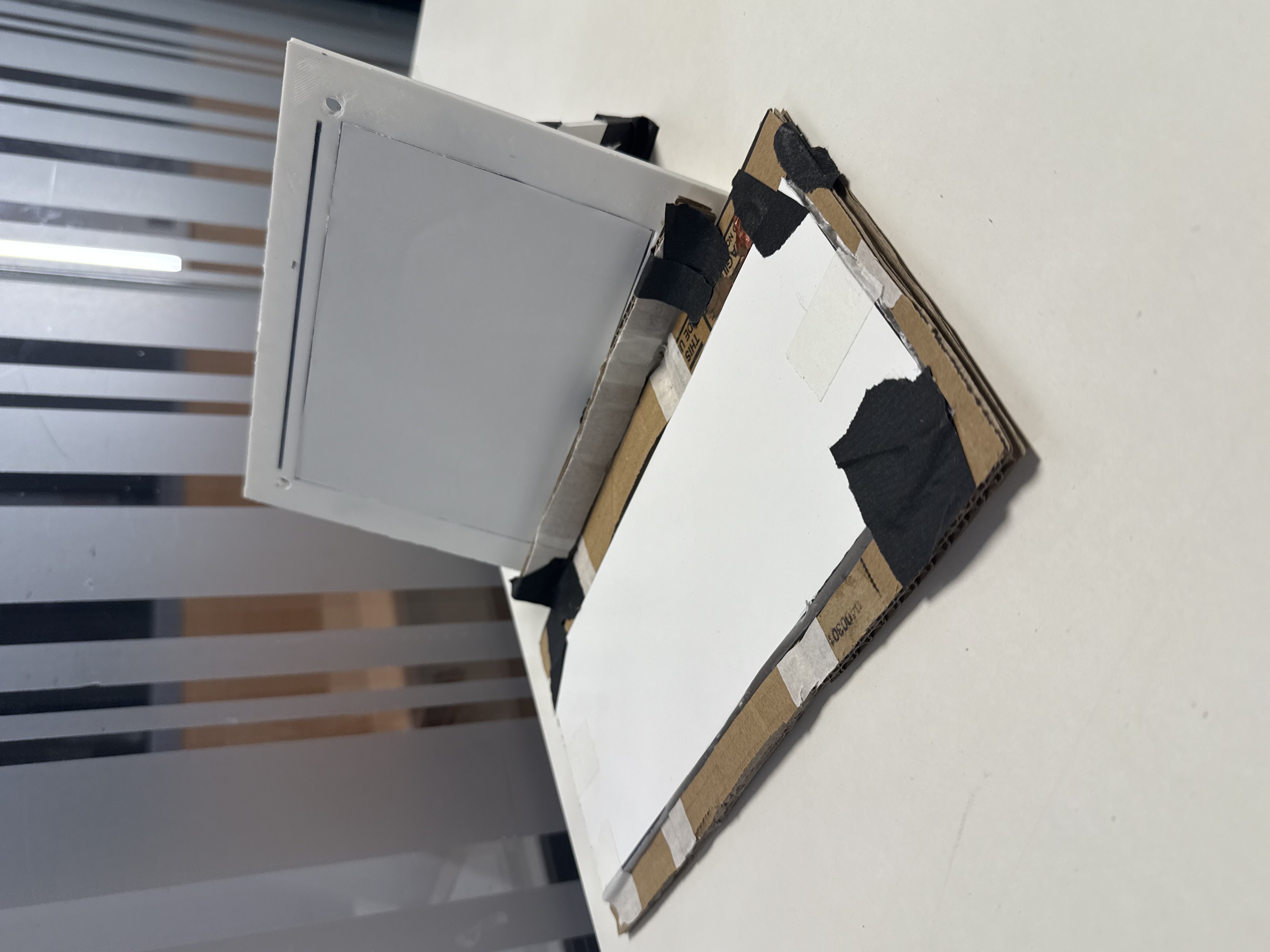
Monoscribe evolved from earlier E-Ink laptop experiments into a focused writing device. Each version narrowed scope and clarified product purpose. Interactive models below can be rotated, zoomed, and inspected.
Explored whether a general writing computer could be slower and less distracting.
Changed: Scope was too broad — cut toward single-purpose writing.
Shifted from full laptop to a dedicated note-taking tool with clearer purpose.
Changed: Reduced feature set; product story sharpened.
Small OLED for live typing feedback; E-Ink for committed text.
Changed: Learned refresh timing trade-offs between preview and commit.
Navigation and writing through keyboard commands, not touch menus.
Changed: Every screen state reachable without touch.
CAD iterations for screen, keyboard, board clearance, and wire routing.
Changed: Enclosure became part of interaction design.
Dedicated device with keyboard input, file navigation, calm E-Ink, optional AI.
Changed: Working demo proves the full product story.
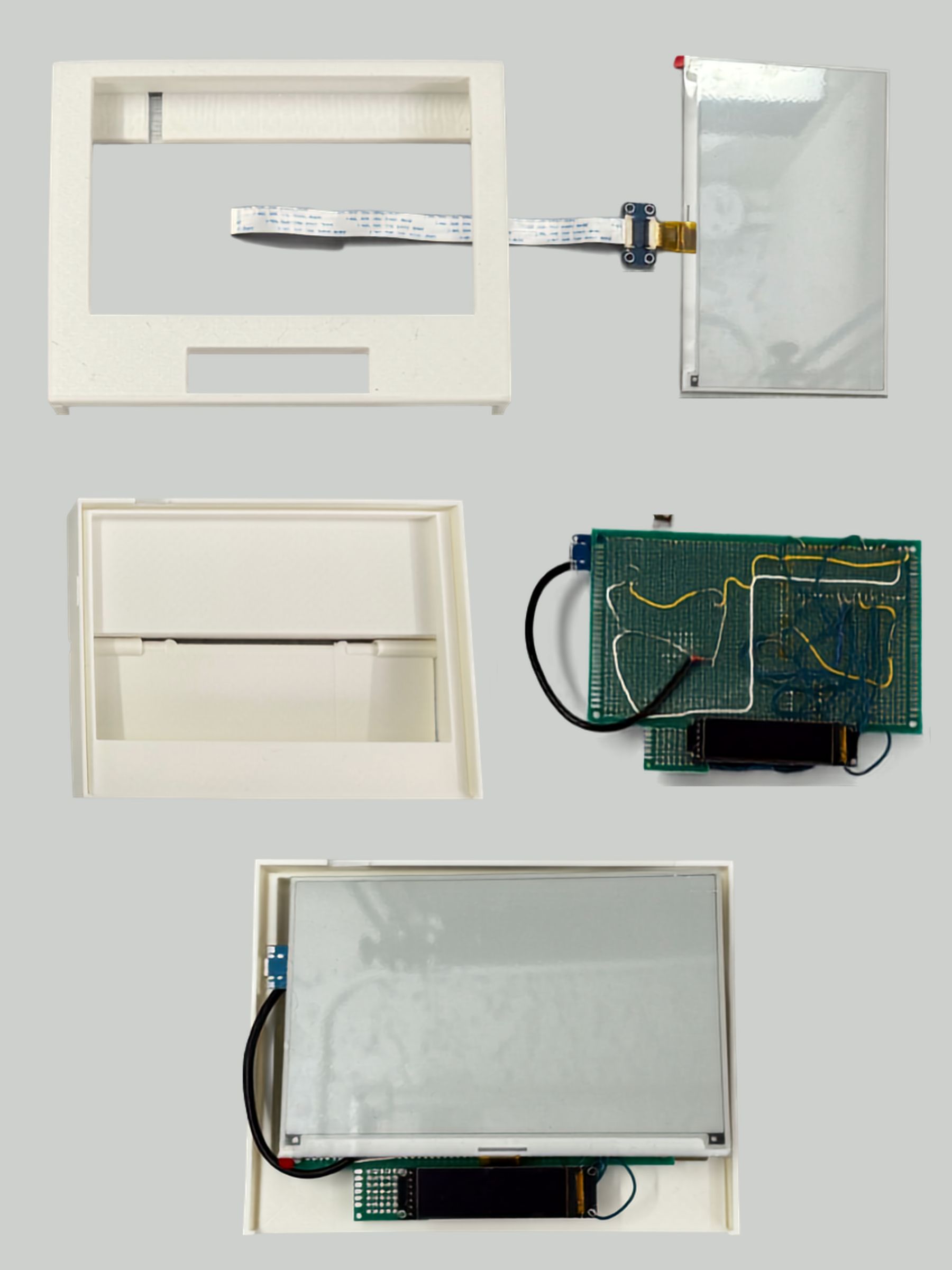
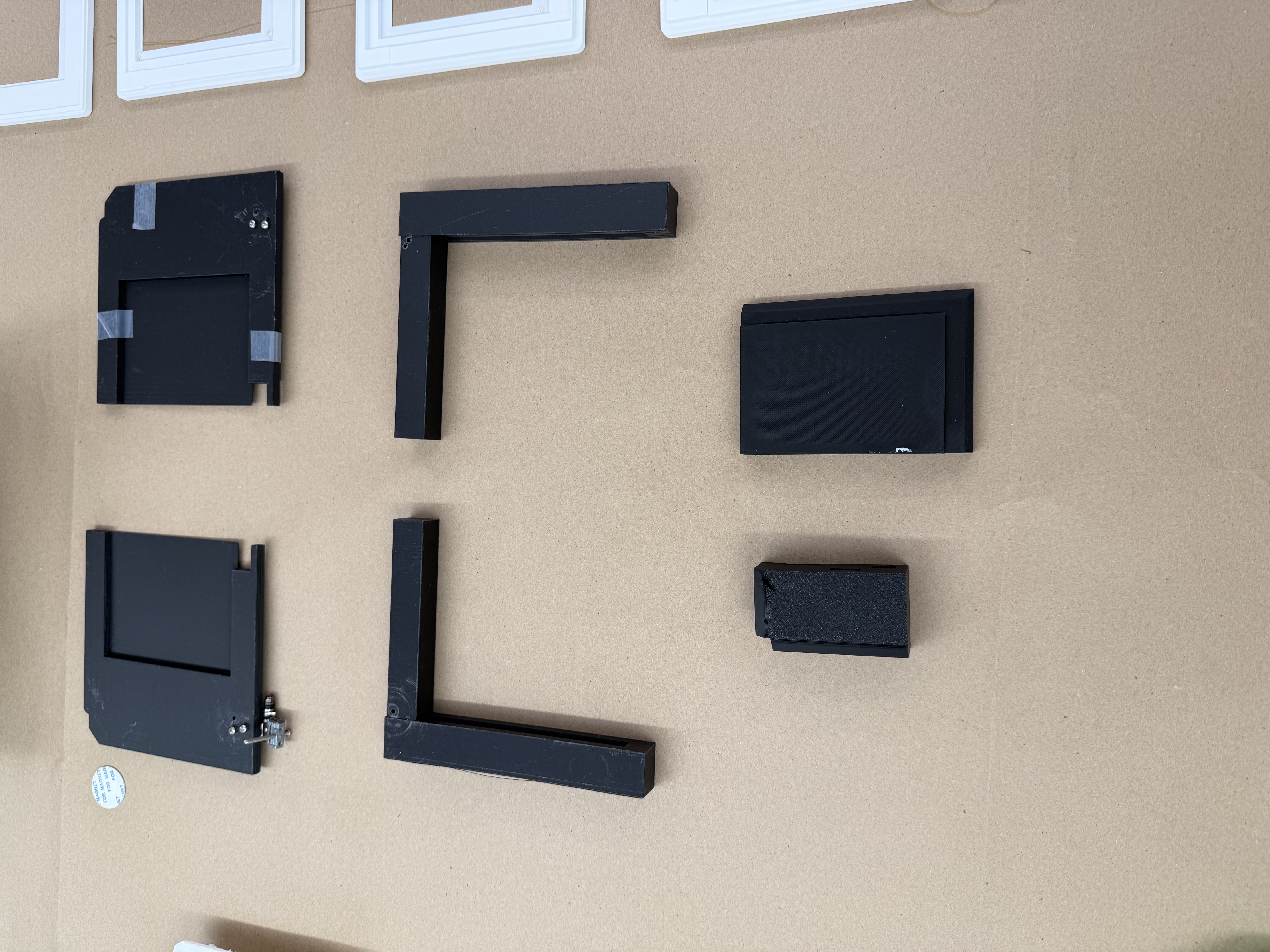
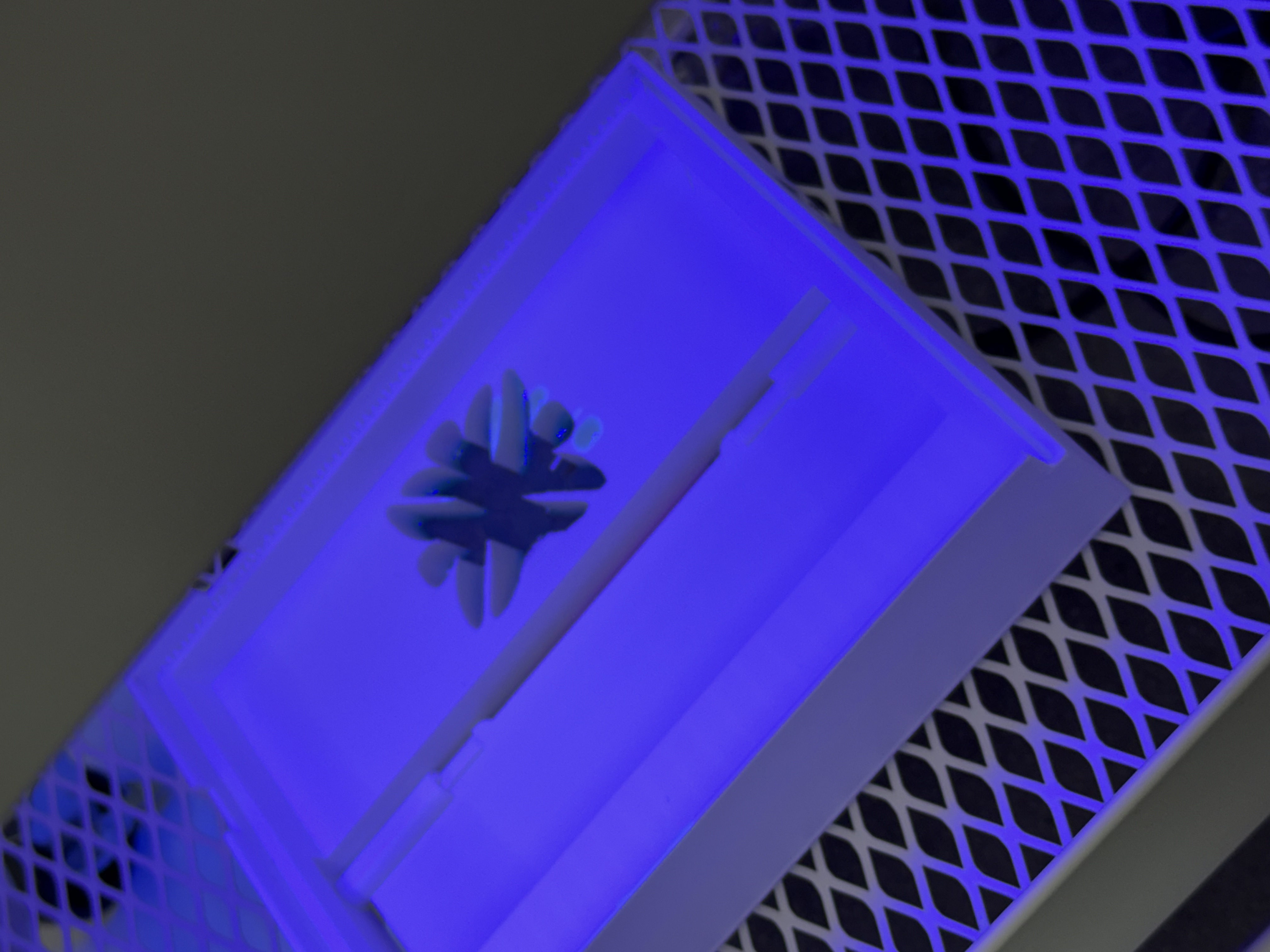
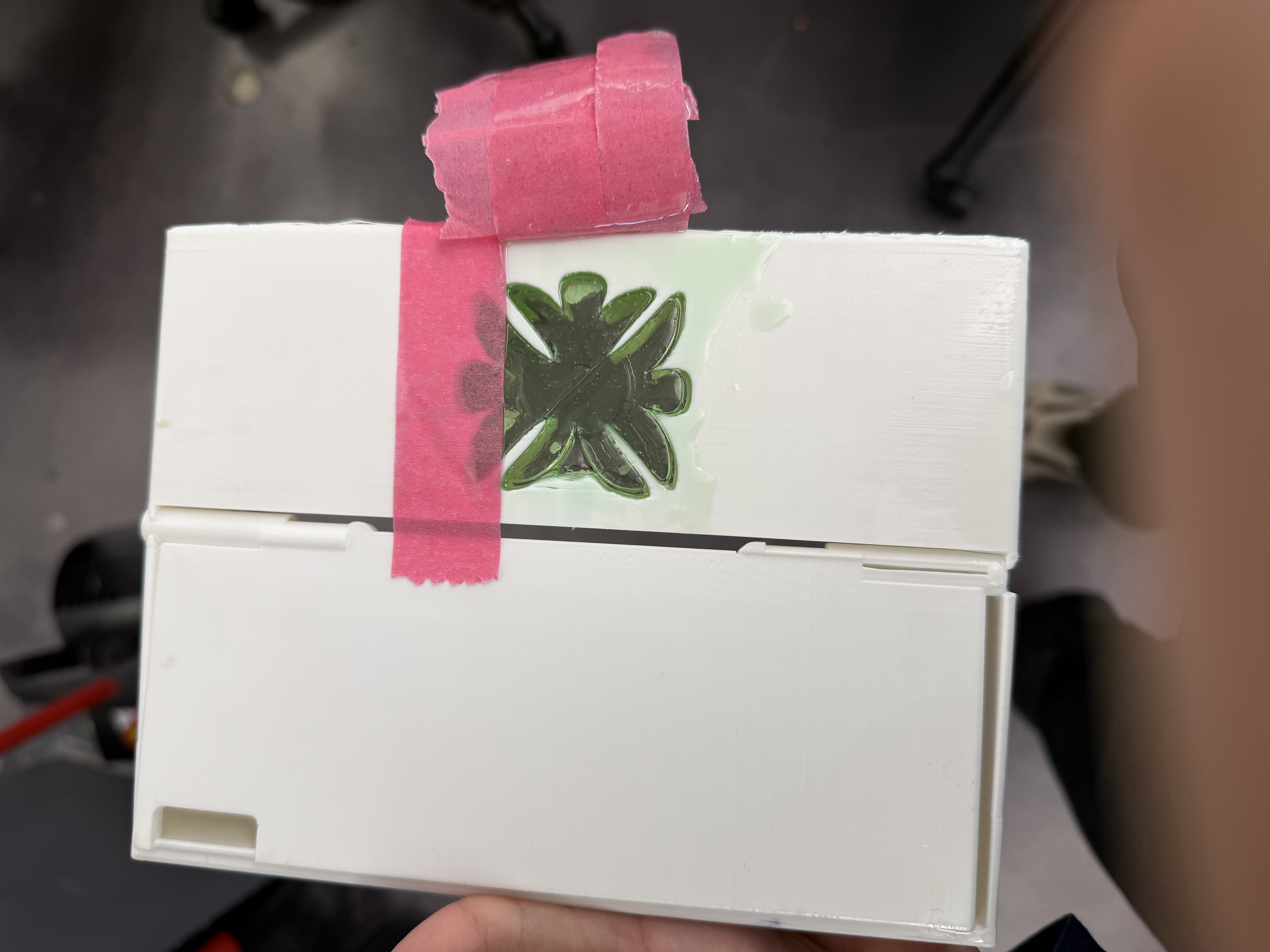
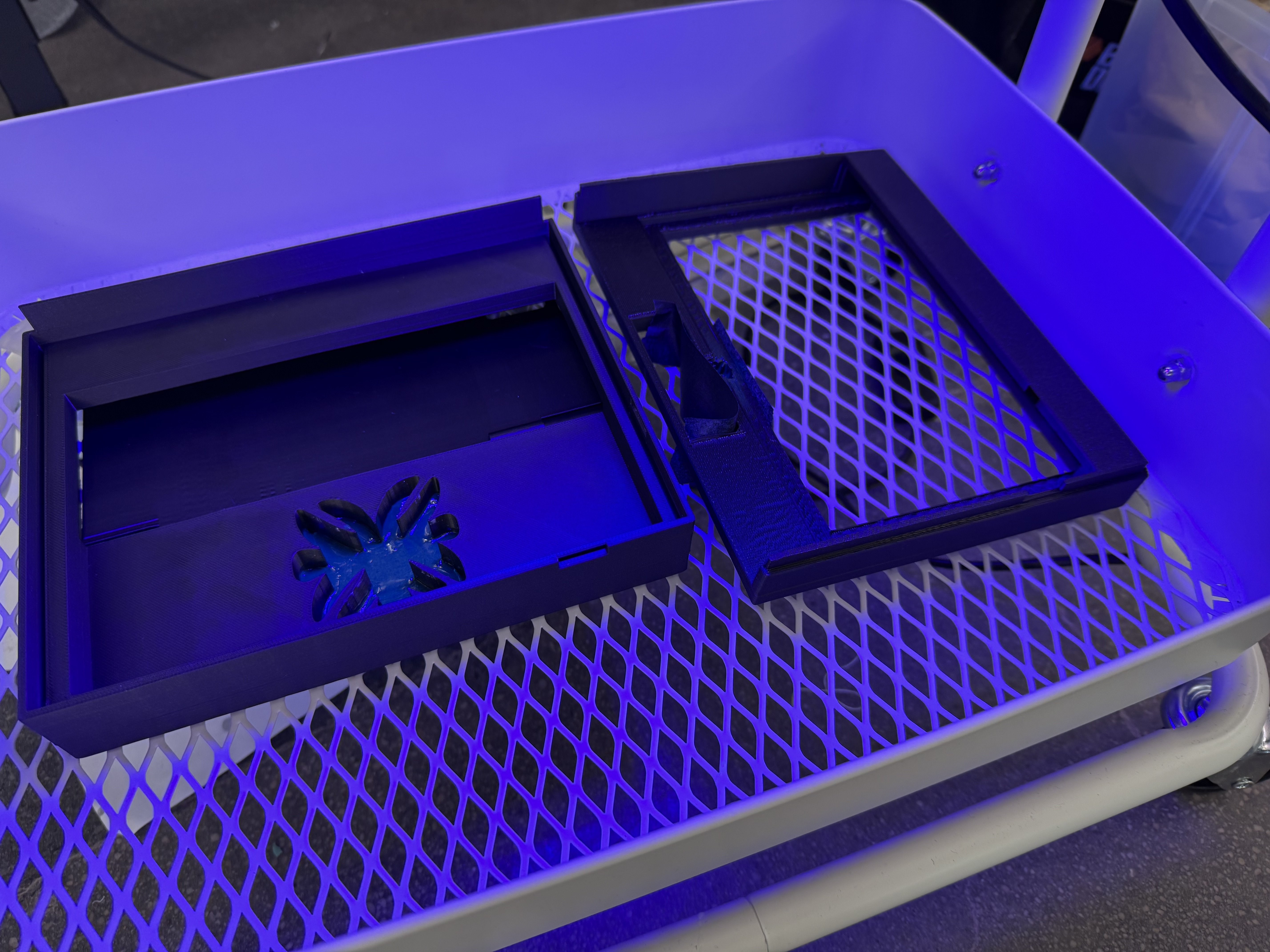
Four major hardware and enclosure generations documented through build photos and prototype videos.
Early form-factor exploration and component feasibility testing.
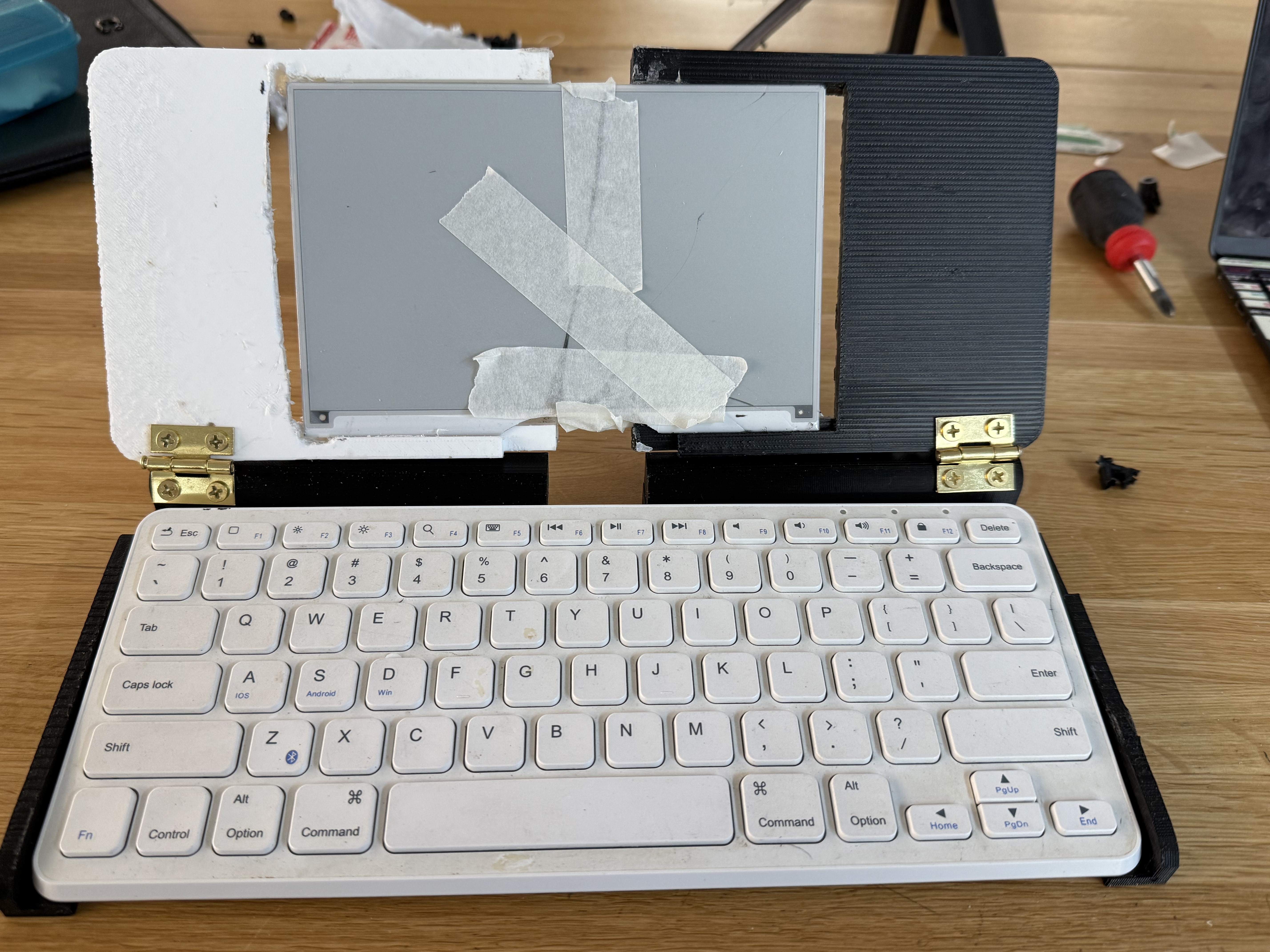
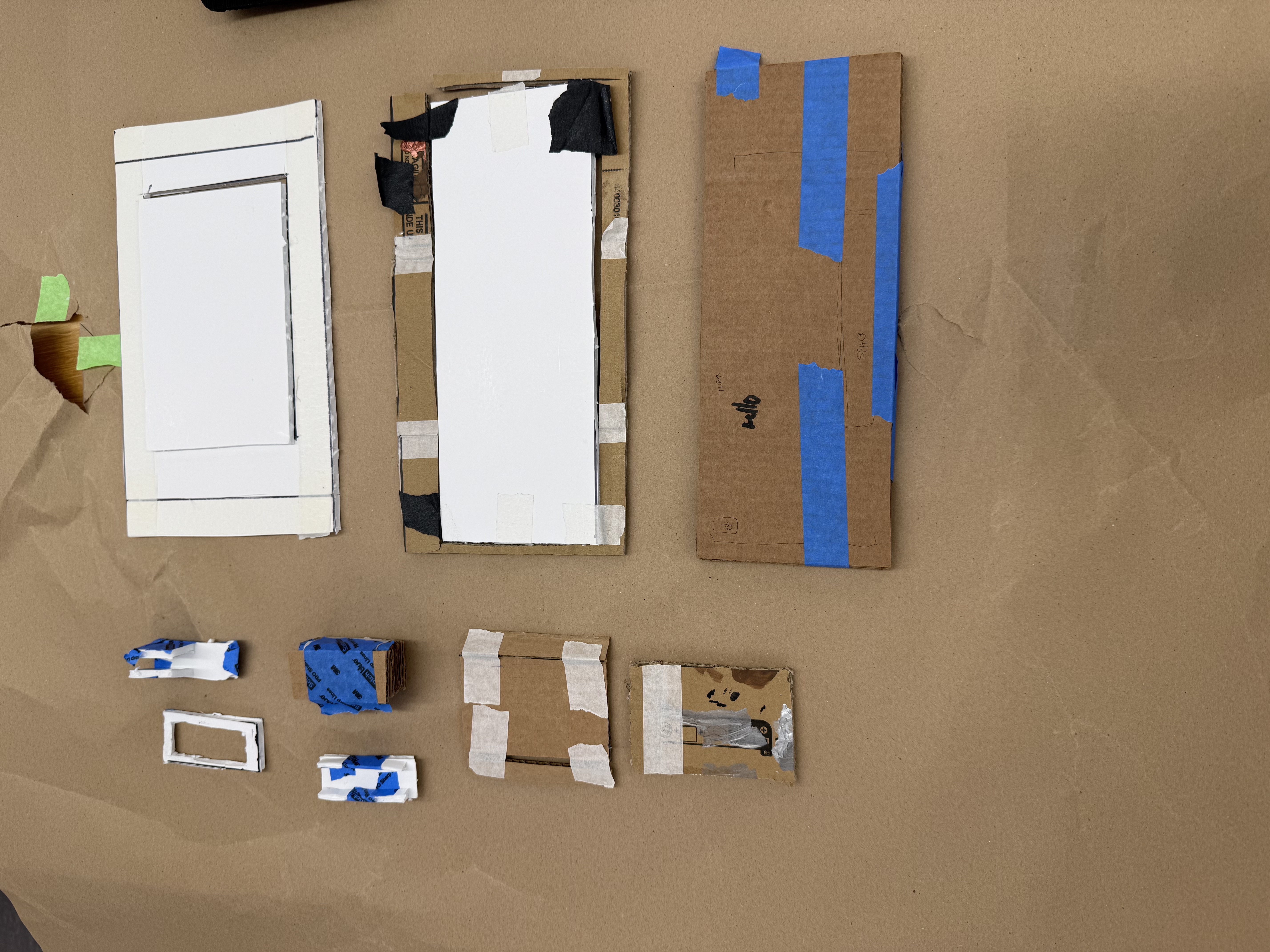
First working form factor — established core structure and proved viability.
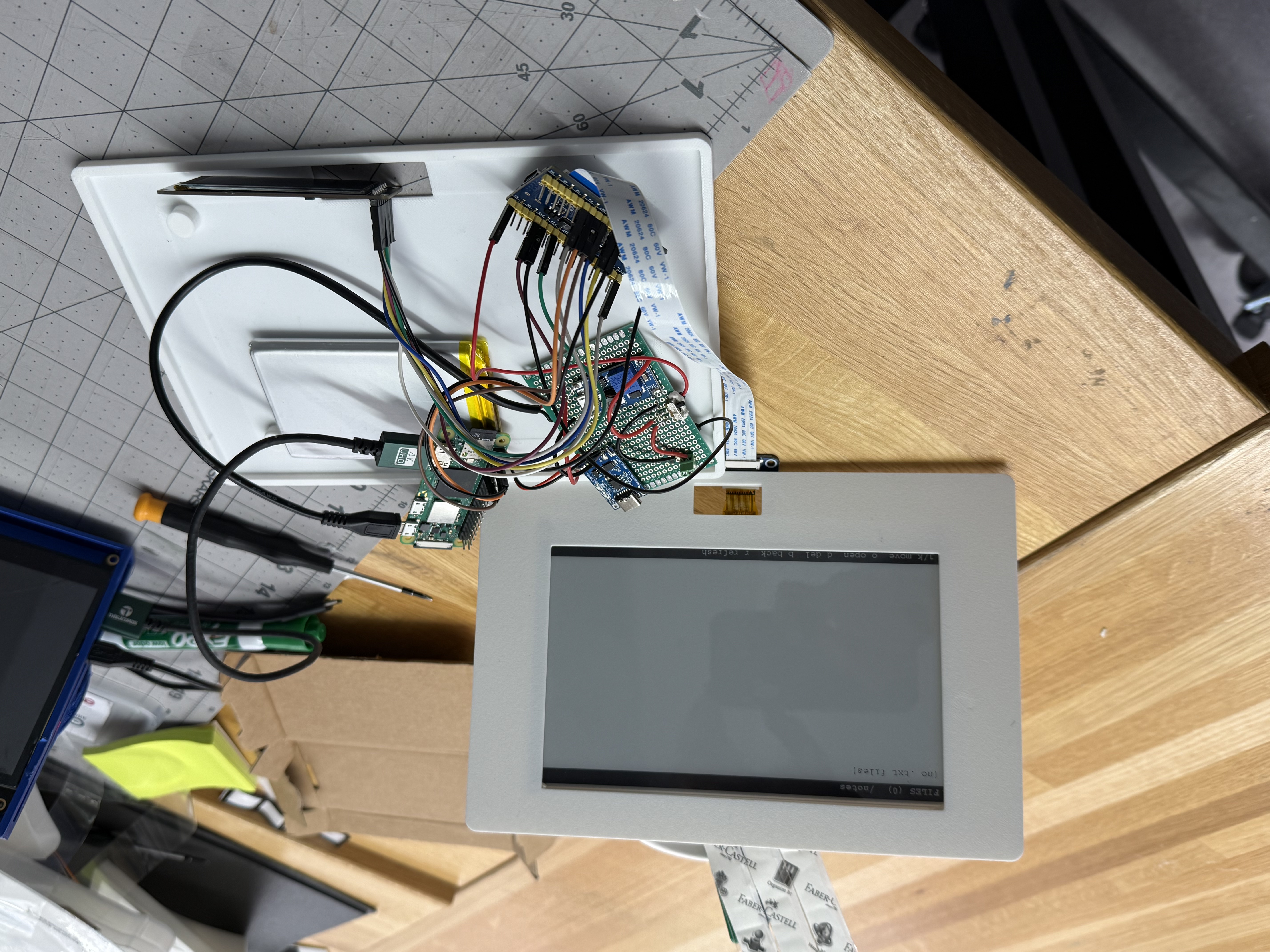
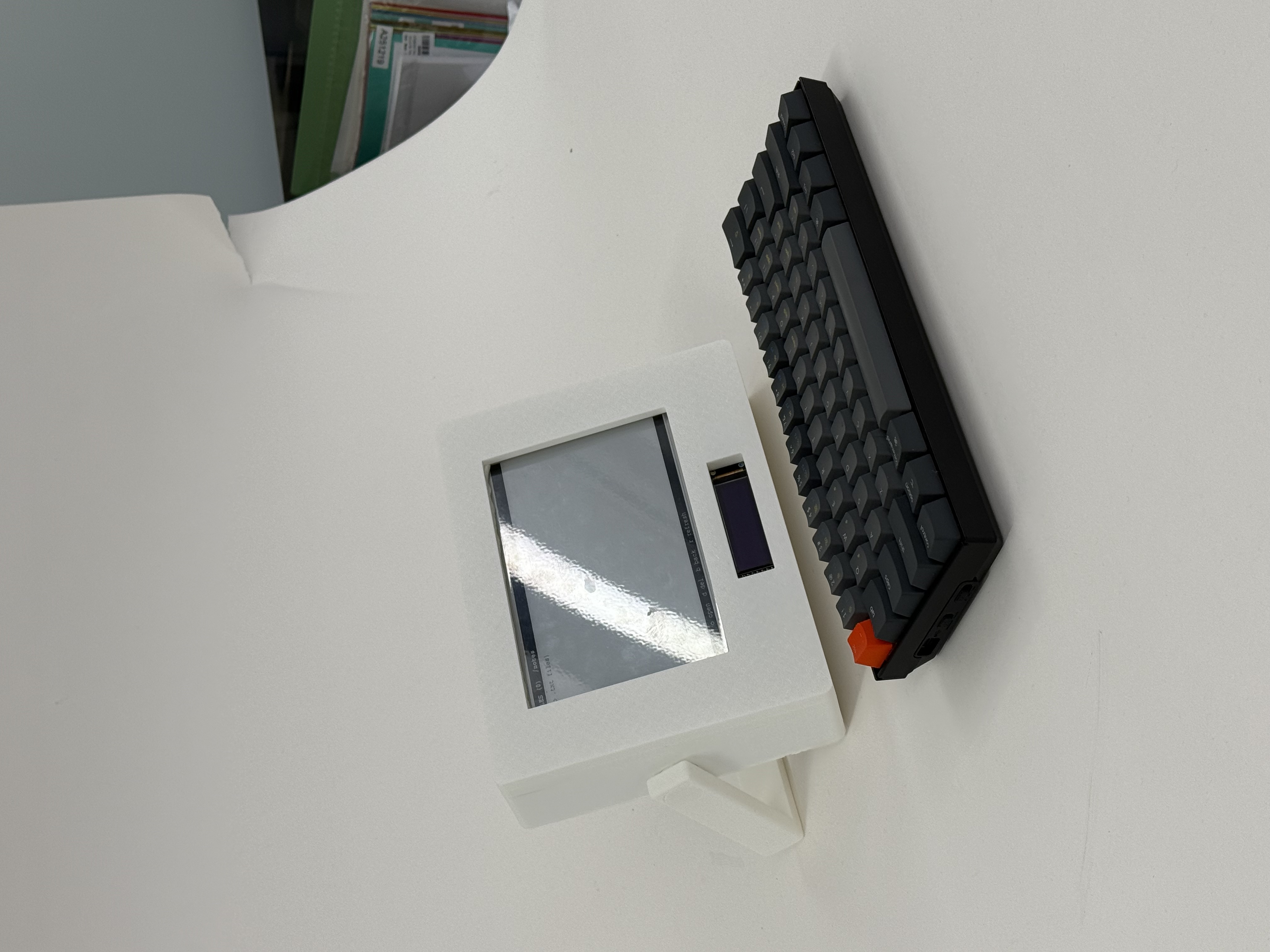
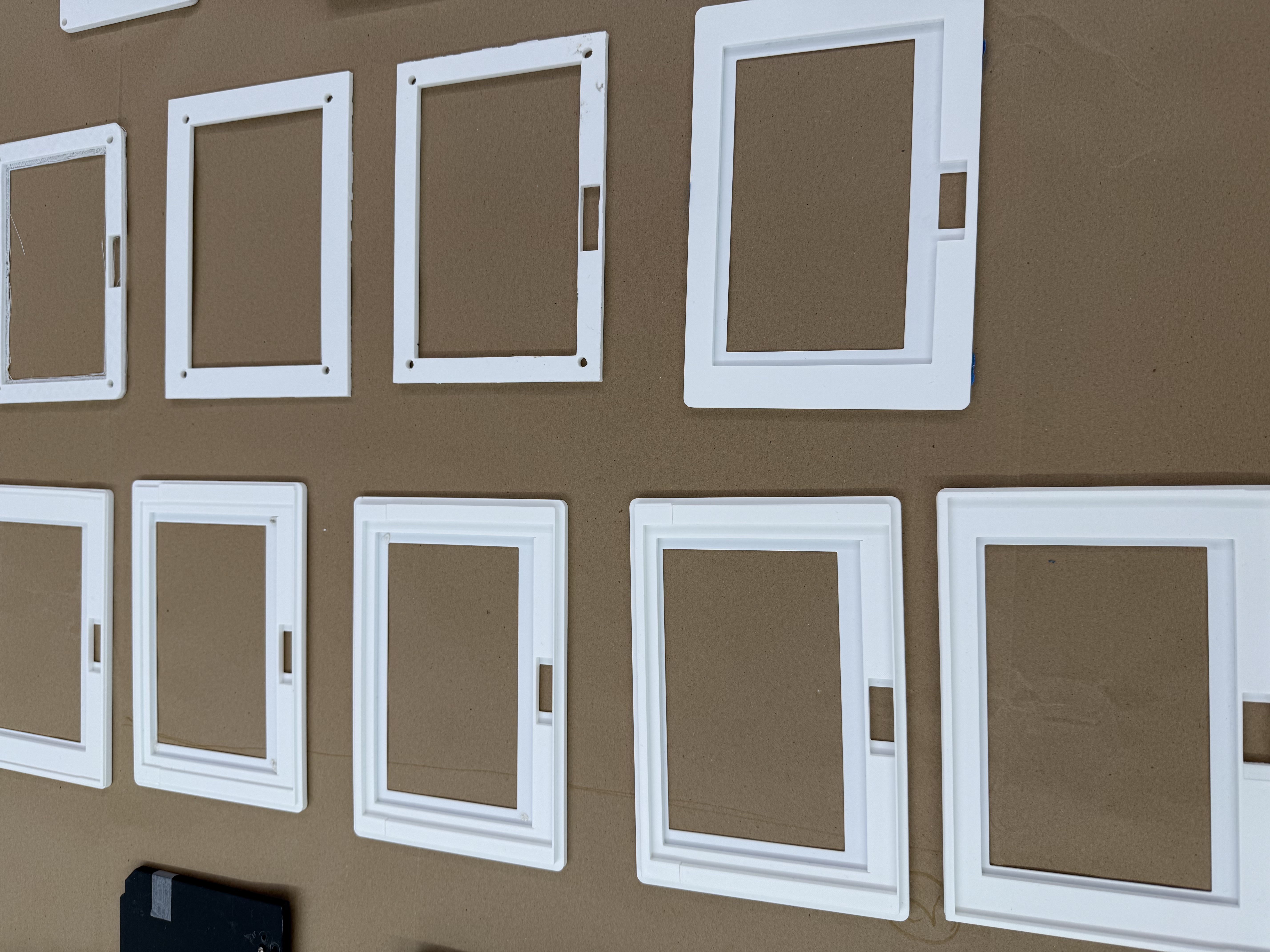
Improved ergonomics and internal structure; multiple iterations on keyboard mounting and display housing.
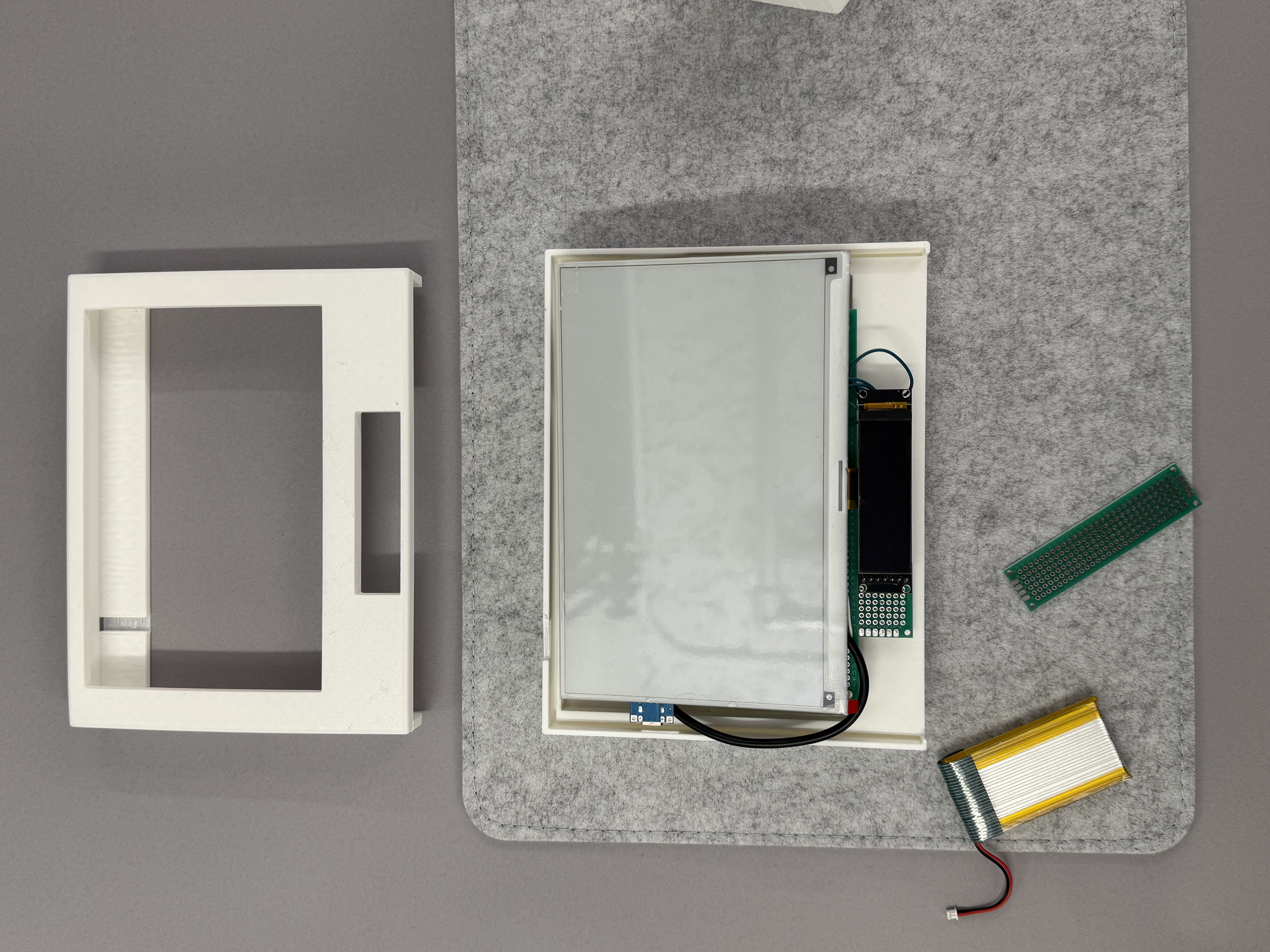
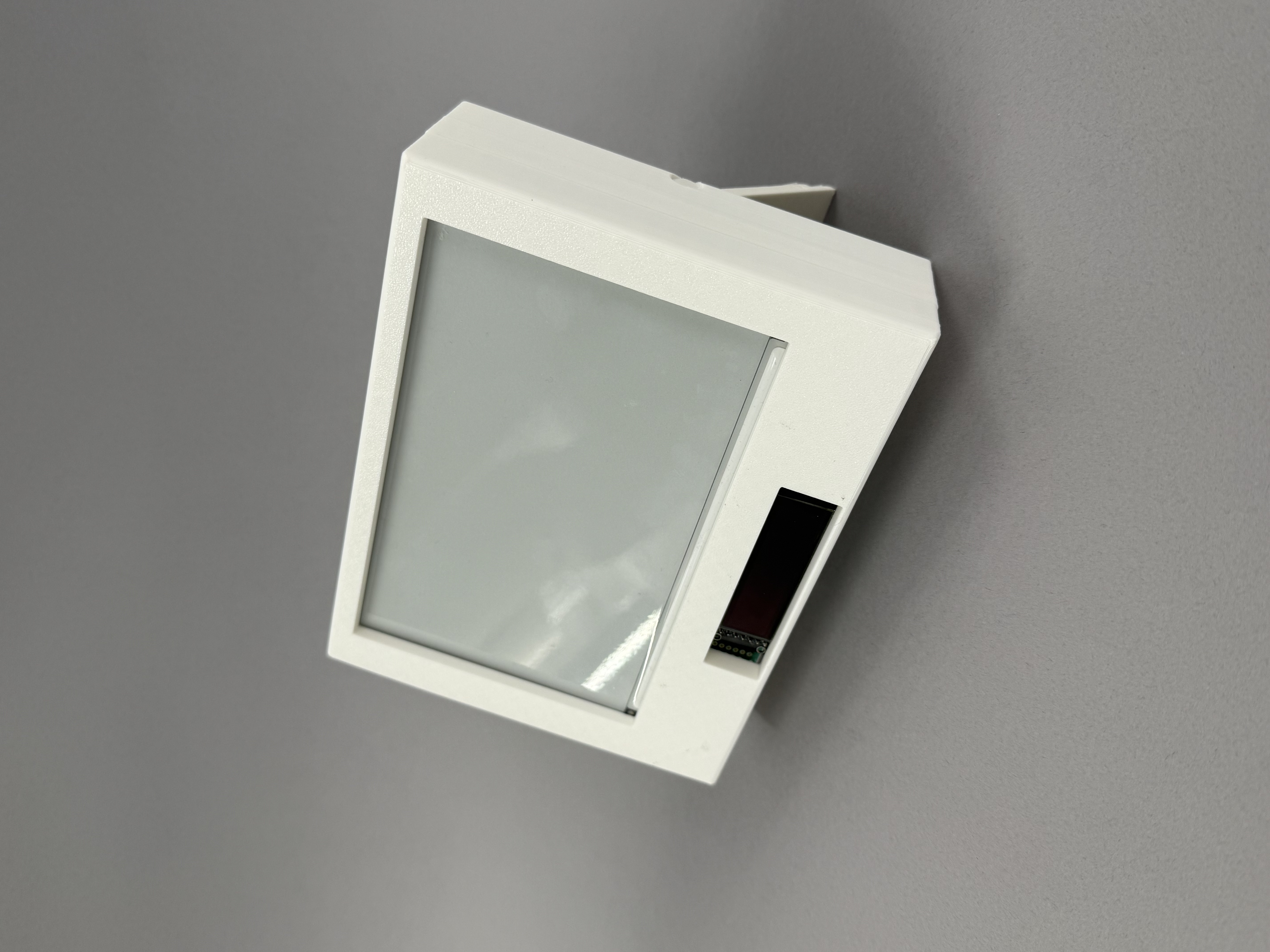
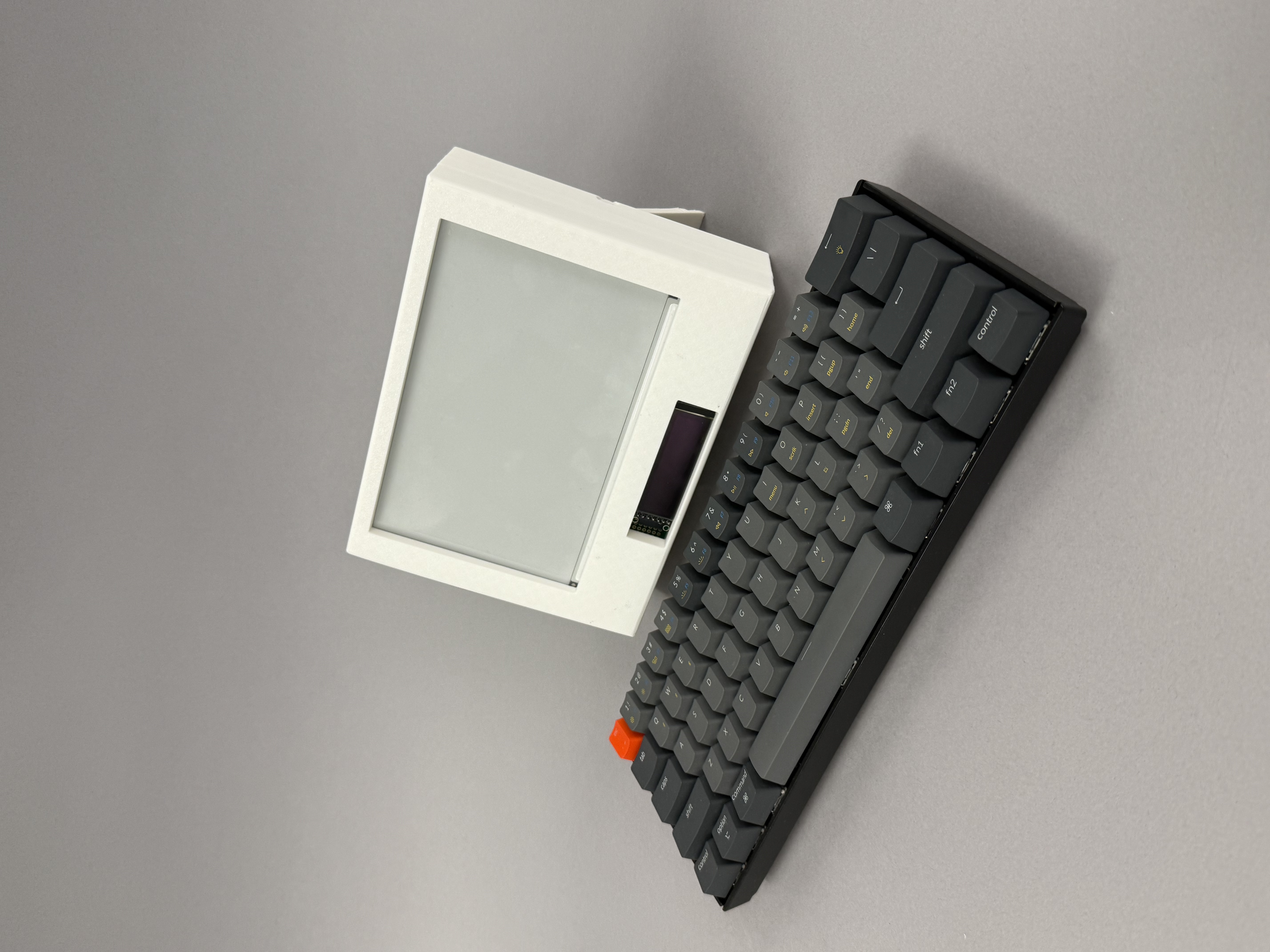
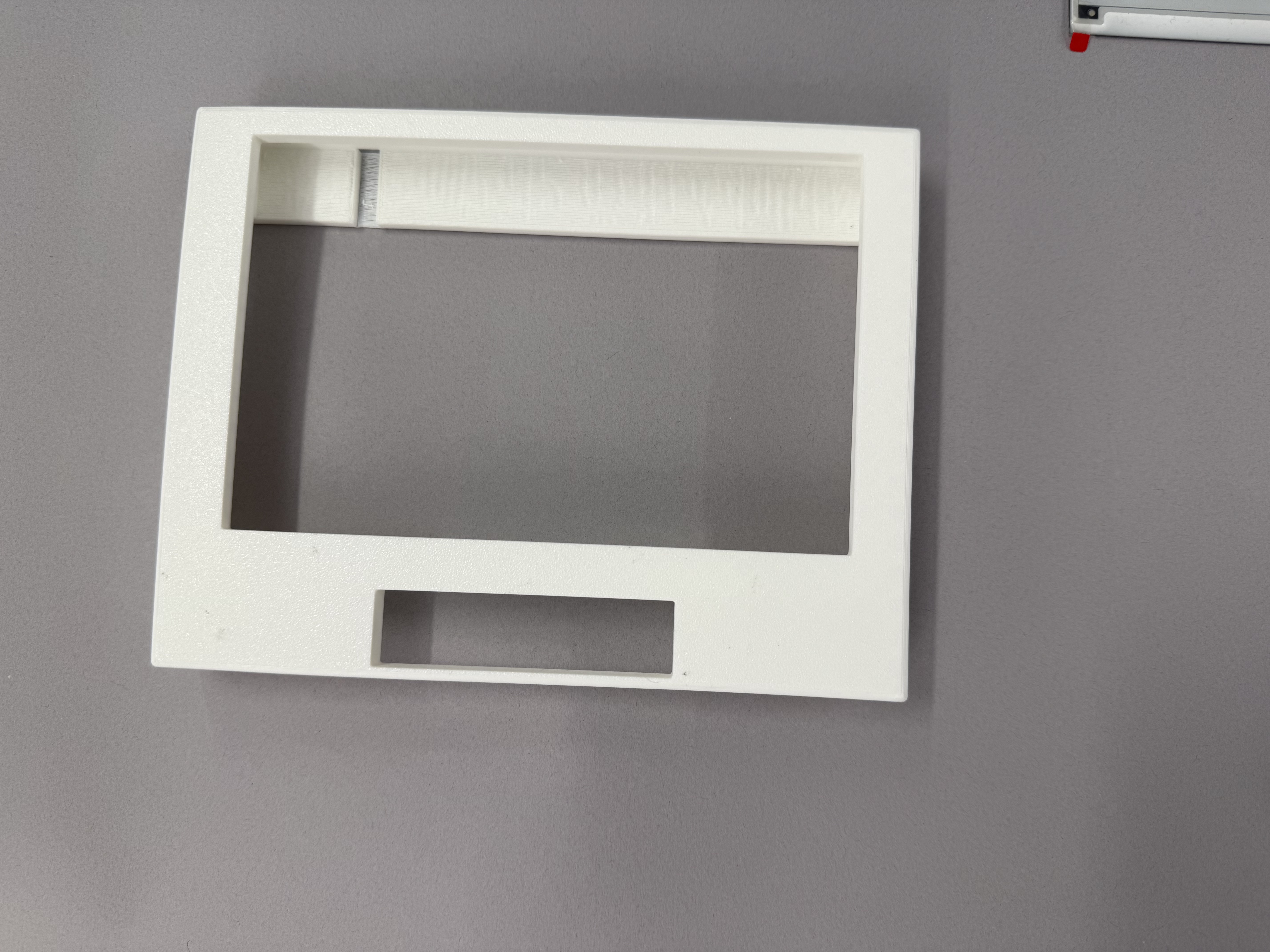
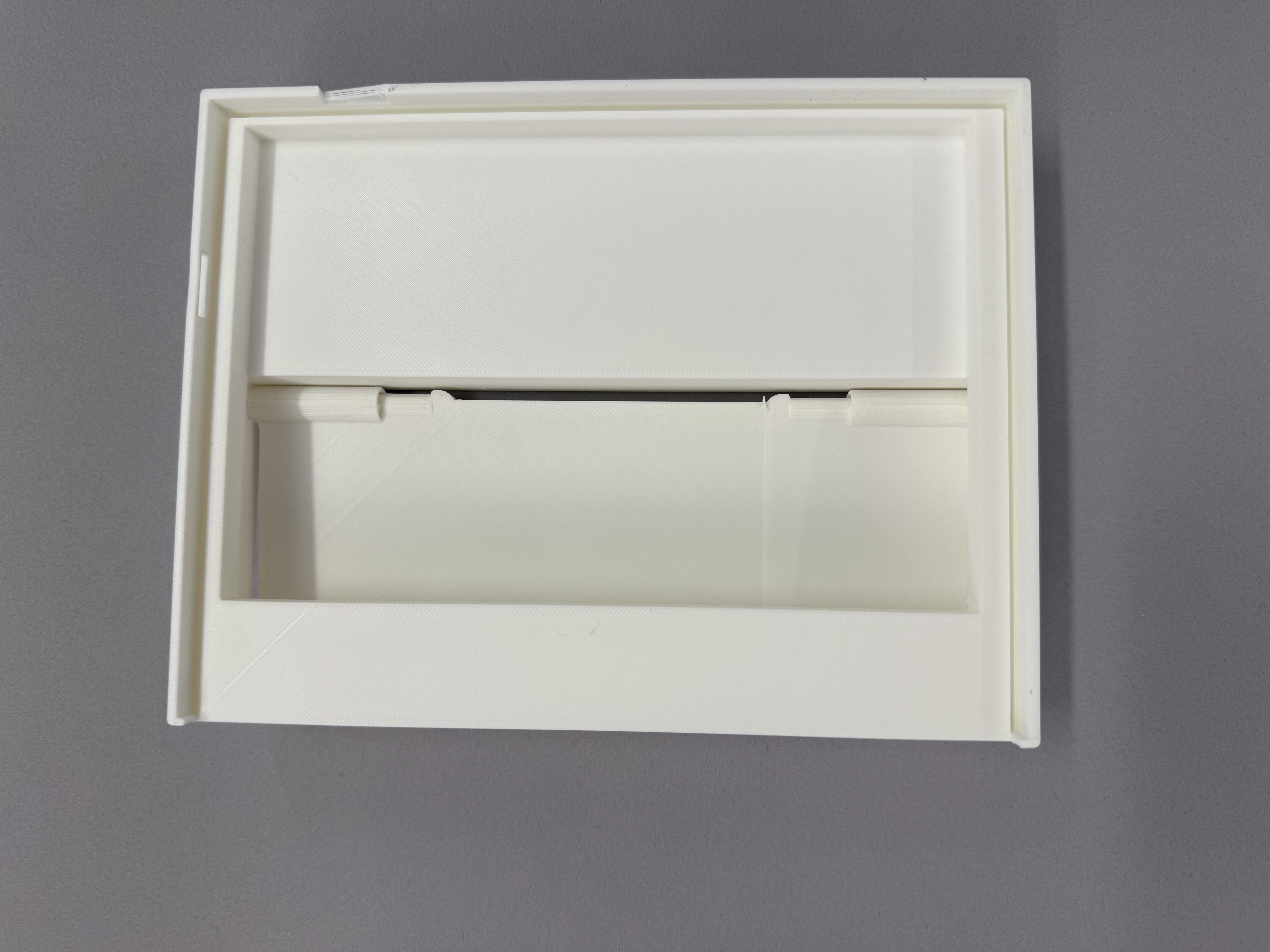
Manufacturing refinements, improved structural integrity, and finalized tolerances.

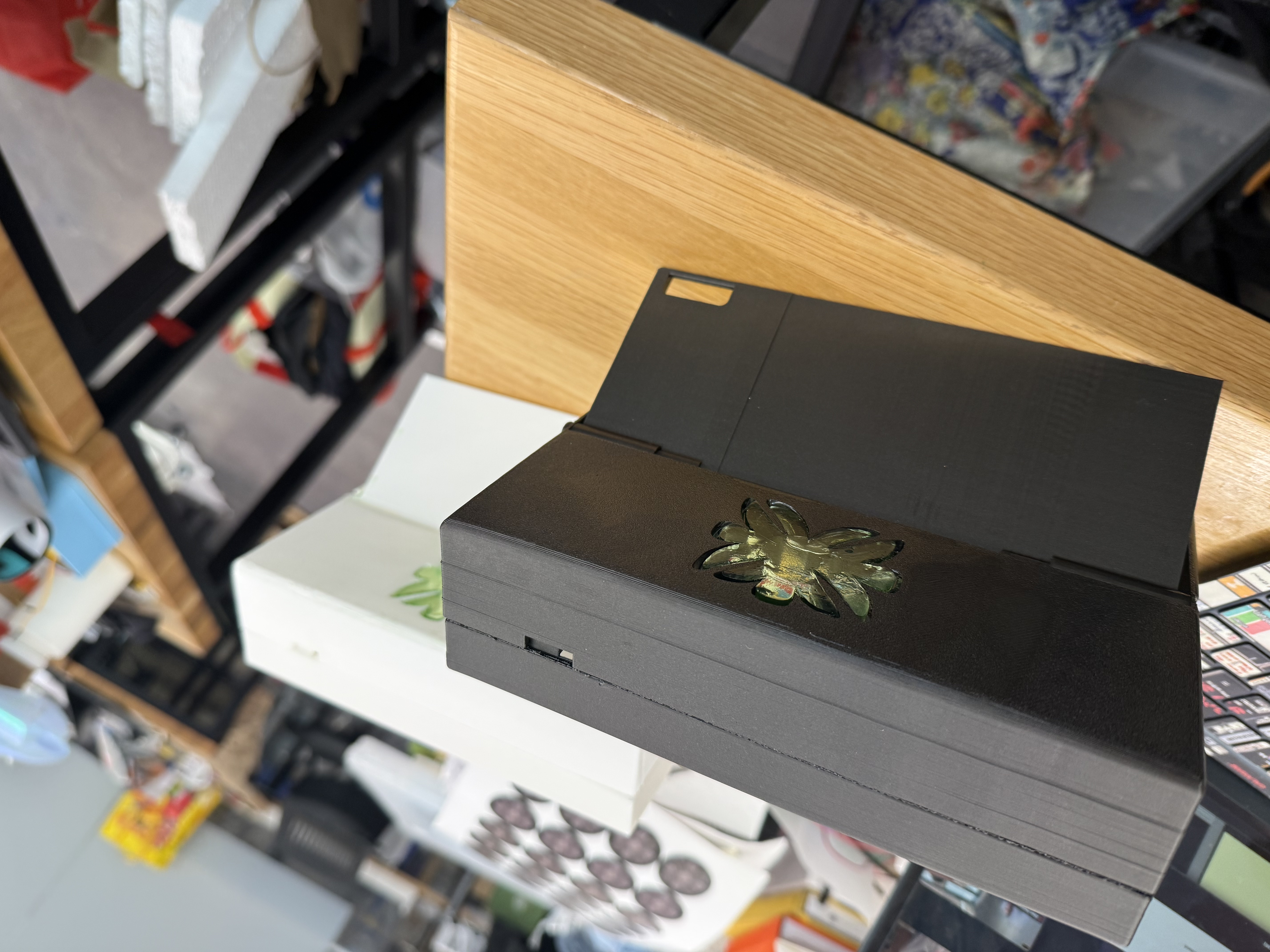
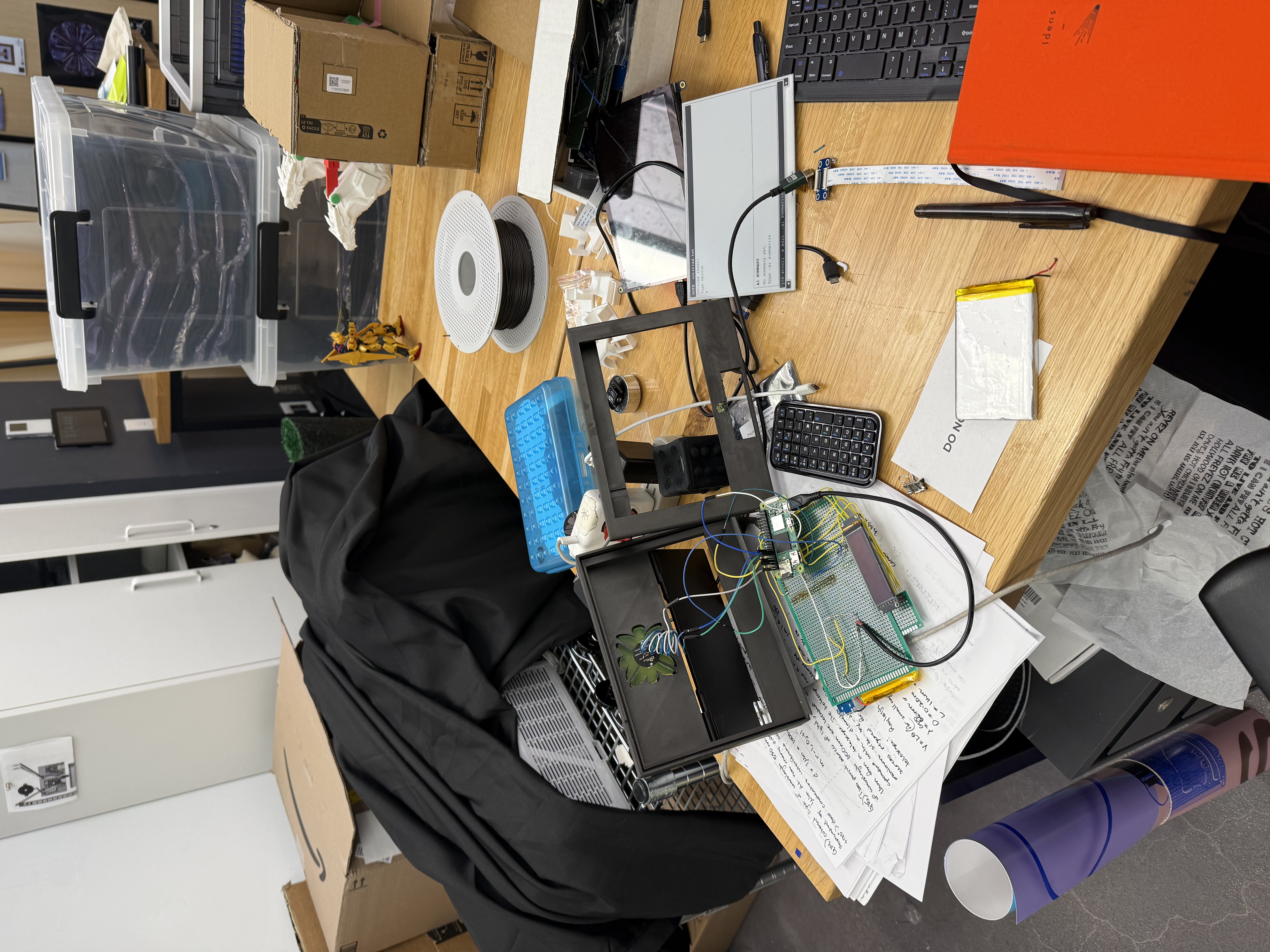
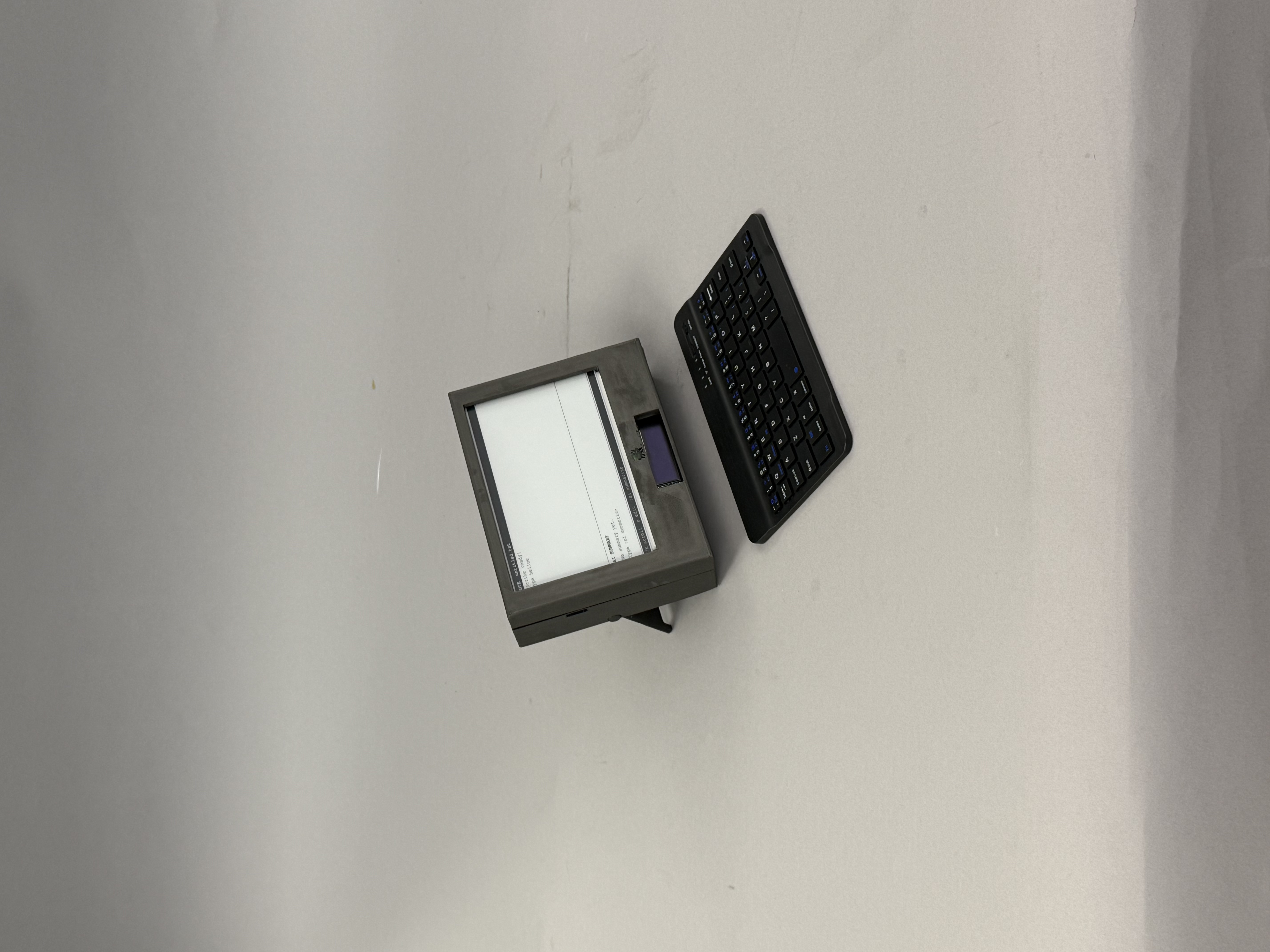
Making Monoscribe
Ideation, display experiments, embedded coding, soldering, CAD, 3D printing, assembly, and debugging — not just the final result.
Demo
Demo should show typing, keyboard commands, file navigation, E-Ink update behavior, optional AI summary flow, and the physical prototype in use.
Key Challenges
Challenge
E-Ink refresh speed
E-Ink is calm but not ideal for live typing — pushed preview displays and refresh timing decisions.
Challenge
Hardware layout
Space for screen, board, wires, and battery while staying compact.
Challenge
Input and navigation
Keyboard commands had to replace touch for all core flows.
Challenge
AI without distraction
AI support without taking over the writing process.
Final Prototype
The final prototype demonstrates the full product idea: a device you can open and write on immediately, navigate with the keyboard, and read comfortably for long stretches. The four-iteration arc moved Monoscribe from a rough concept to a manufacturable enclosure with reliable internals — proof of an end-to-end product process across hardware, software, and form.
Reflection
Monoscribe taught me that designing a physical-digital product means balancing many layers at once: attention, input, refresh speed, power, enclosure space, file logic, and user expectations. Every hardware decision affected the interface, and every interface decision affected the hardware. This project helped me grow as a designer who can move between concept, system architecture, prototyping, and product storytelling.
Monoscribe grew out of my earlier E-Ink computing experiments. The full weekly build log is preserved as a process archive.
Next Steps
Open to work
I'm looking for product design, UX, creative technology, hardware prototyping, and early product roles where I can design and build across systems.